From signing up to tonight’s chapter
How Moontuck works
Set up your child’s story once. Then a new chapter arrives by email every day, ready when bedtime comes around.
Open any image to see it larger. Public screenshots appear alongside clearly labeled illustrations using an example family.
1. Choose your plan and finish checkout
Choose monthly or annual billing and one to four children. Each child gets a separate story. For one child, plans start at $9 a month or $59 a year.
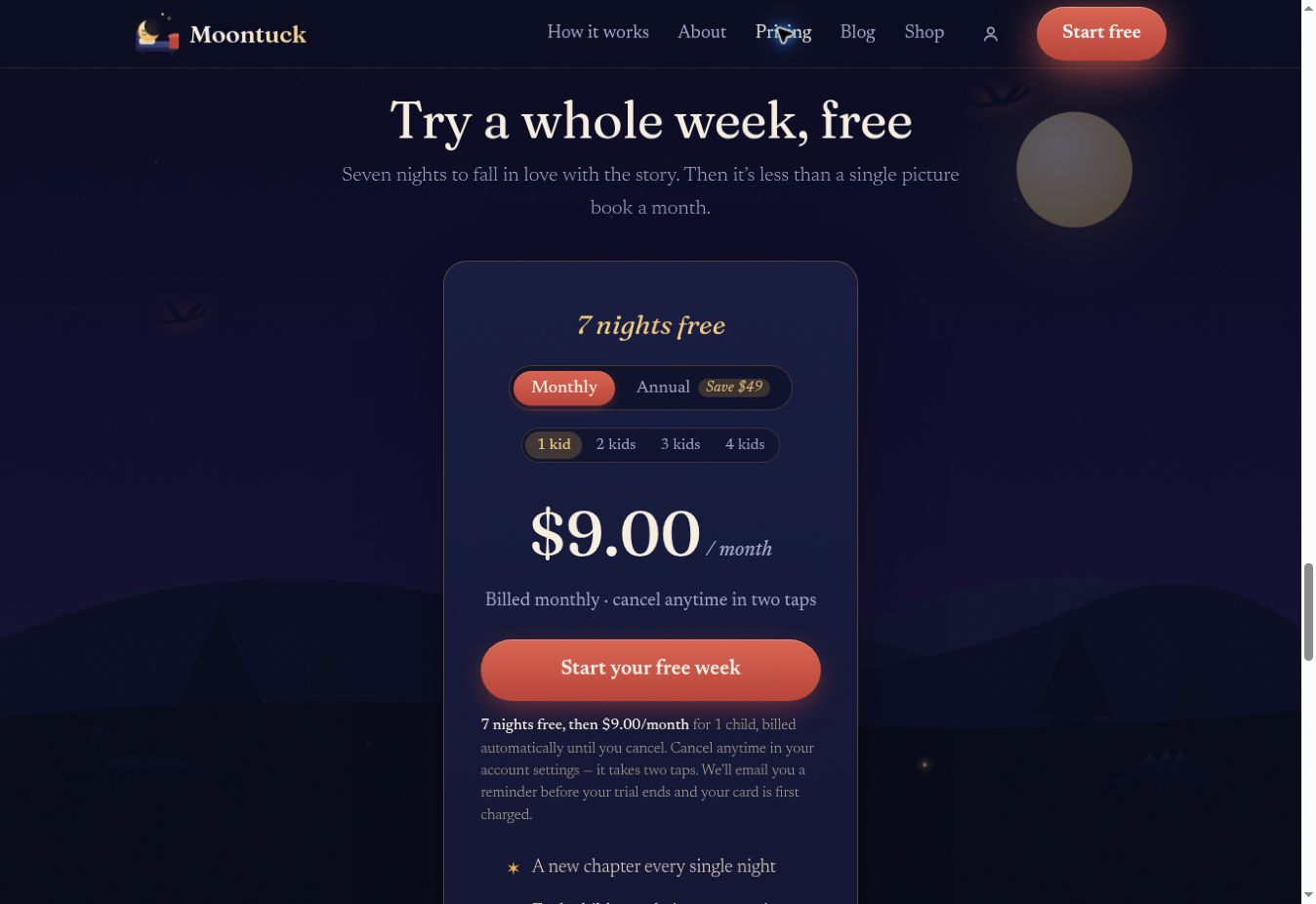
Select “Start your free week.” Stripe’s secure checkout opens next. Enter your email and payment details, check the plan, and finish checkout. A card is collected up front for the seven-night trial; the selected plan bills automatically after the trial unless you cancel.
Checkout brings you back to child setup. Payment details alone do not tell us who the story is for—you still need to finish setup.
2. Make each child the hero
Enter a first name or a made-up story name. Choose the age range—3–4, 5–7, or 8–10—and a favorite world. Fill out each child’s section if you have siblings on the plan, and choose your timezone.
Story focus is optional: courage, friendships, big feelings, or just a good adventure. Leave the default selected if you prefer. There is no nightly questionnaire.
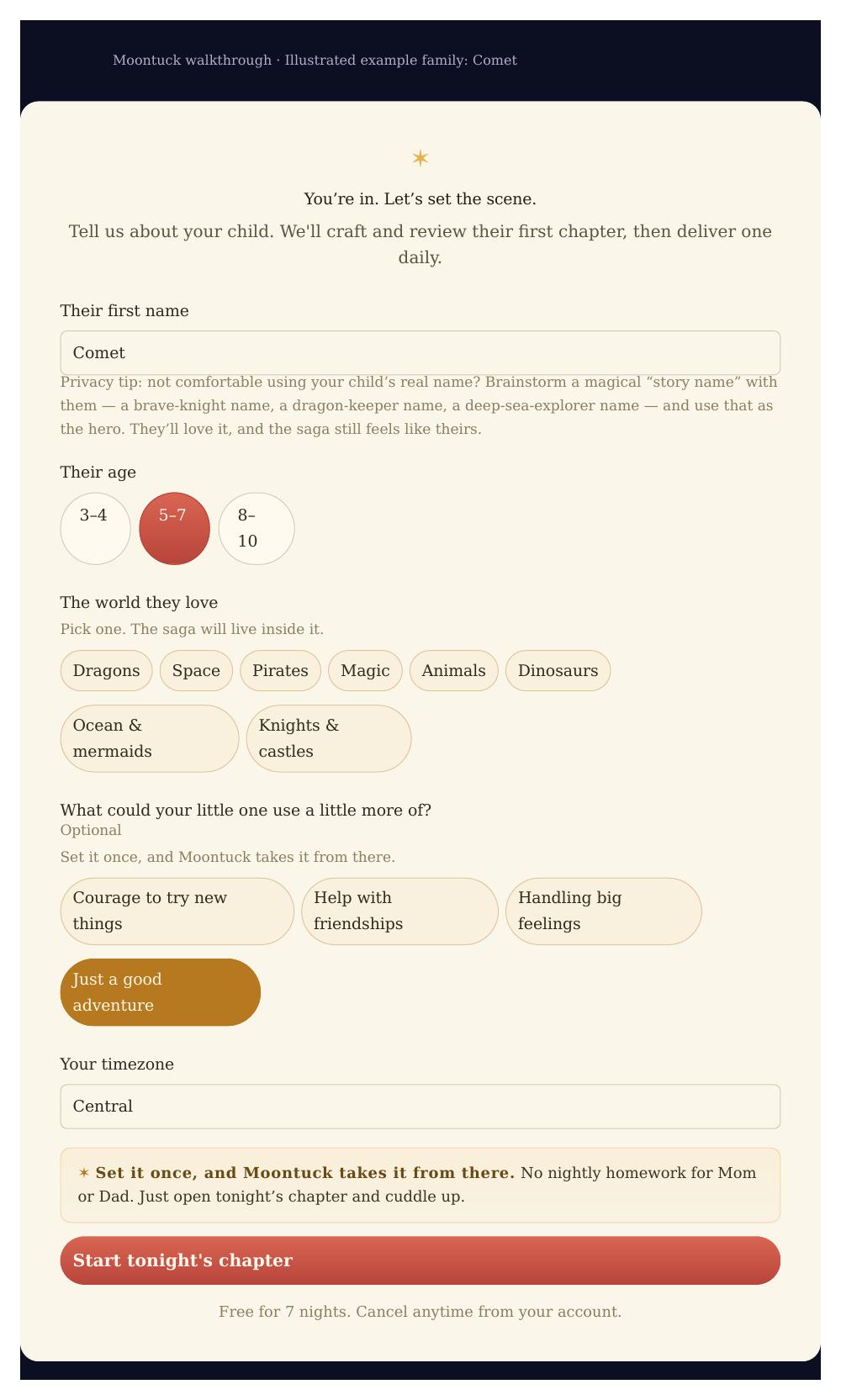
Submit the form. When you see “You’re set,” the details have been saved and Chapter One is being prepared. Watch the email address you entered at checkout.
3. Chapter One arrives after setup
The first chapter arrives when it is ready, usually within a few hours. It is not necessarily instant. For subscriptions, a welcome email explains what comes next.
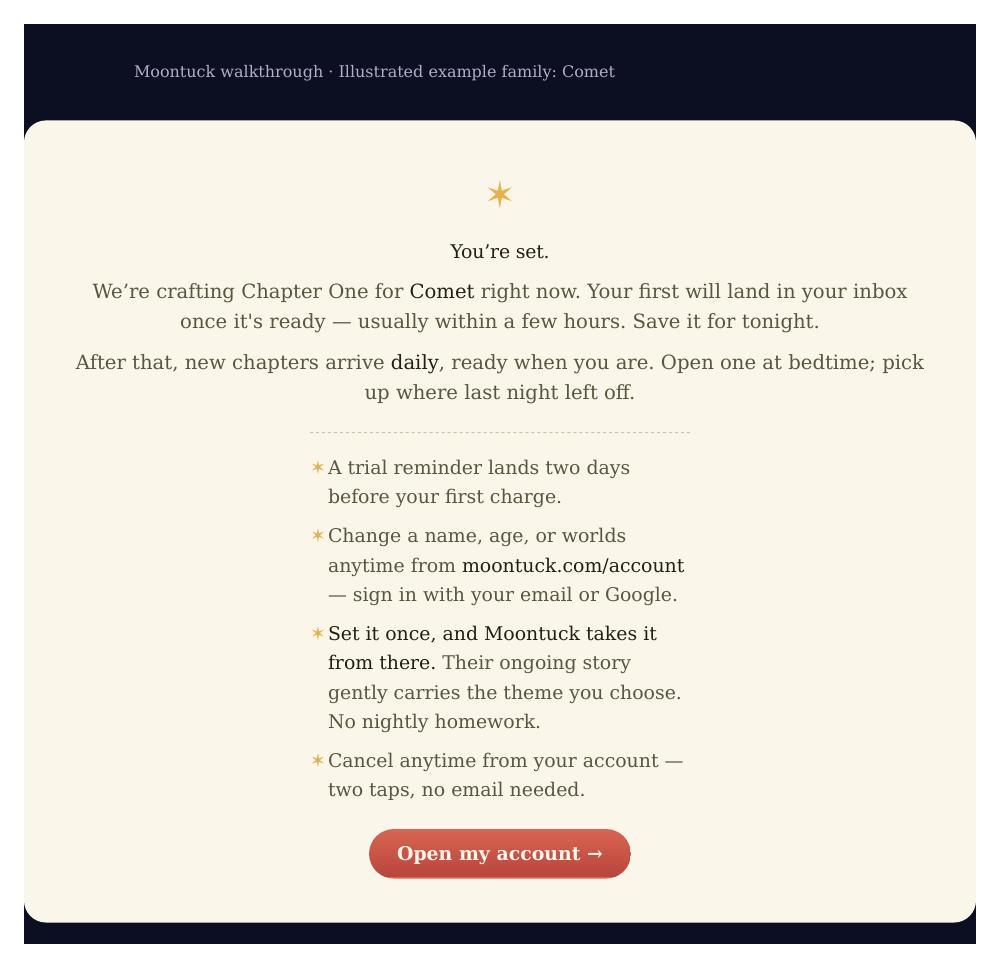
If it has not arrived, check spam or promotions and make sure you finished setup. If you still need help, contact Moontuck using the email from checkout or gift activation.
4. Read a new chapter each day
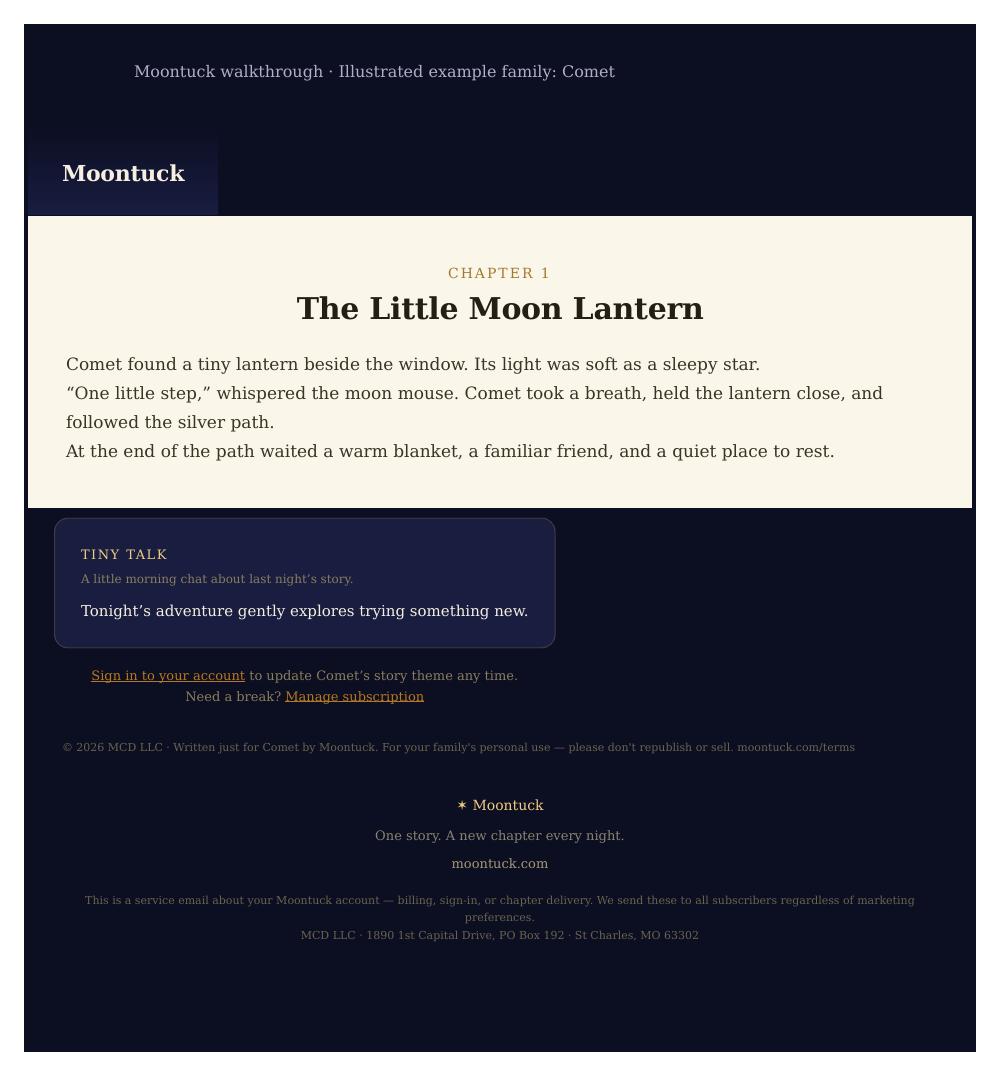
The full chapter comes by email. Open it at bedtime and read together—nothing to write or request each night. Chapters continue the same adventure in order, remembering the characters and events from earlier nights.
A chapter is sized for about a five-minute read. Stories arrive daily, ready for bedtime; you do not need to read the email the moment it lands.
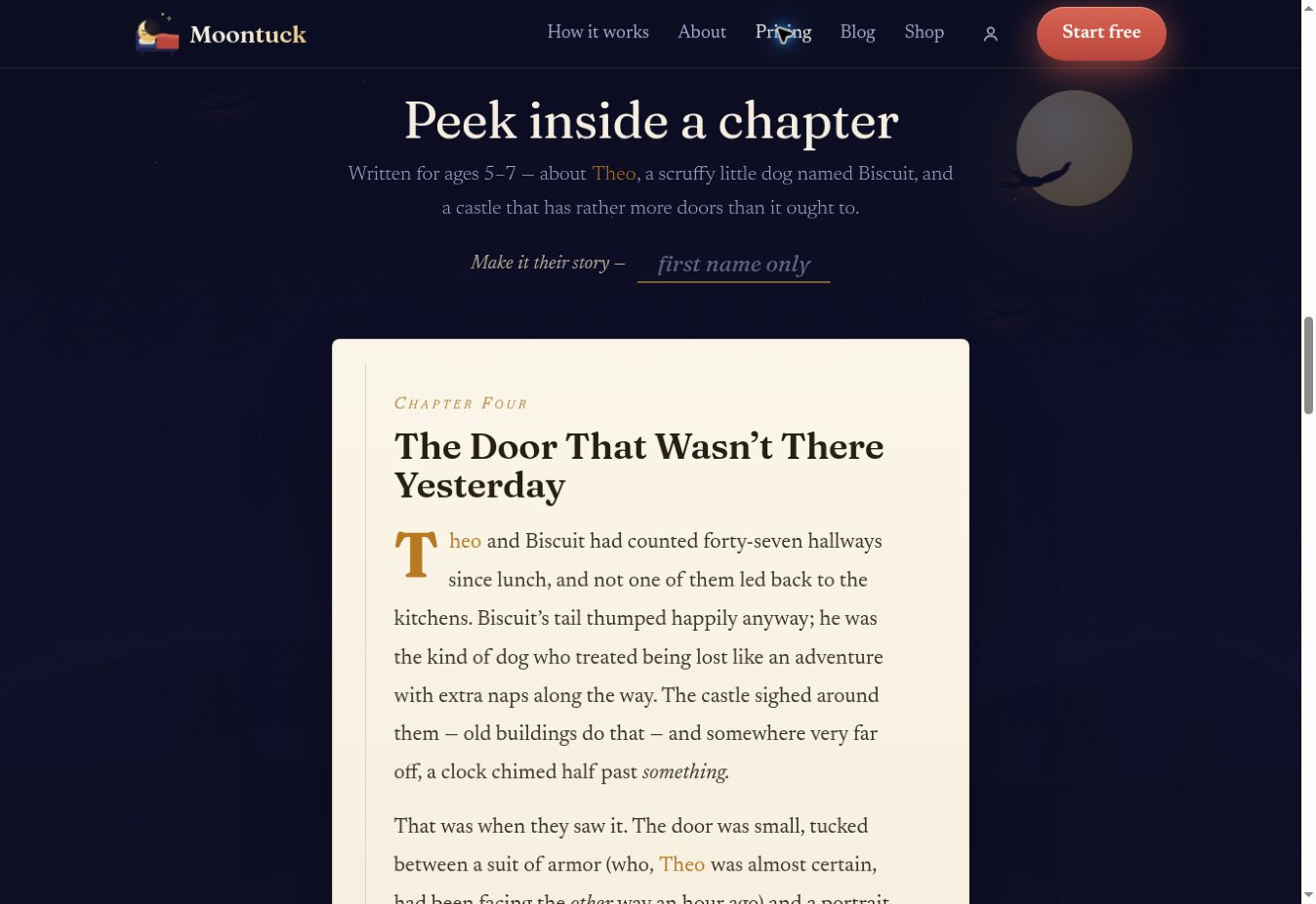
5. Sign in and revisit past chapters
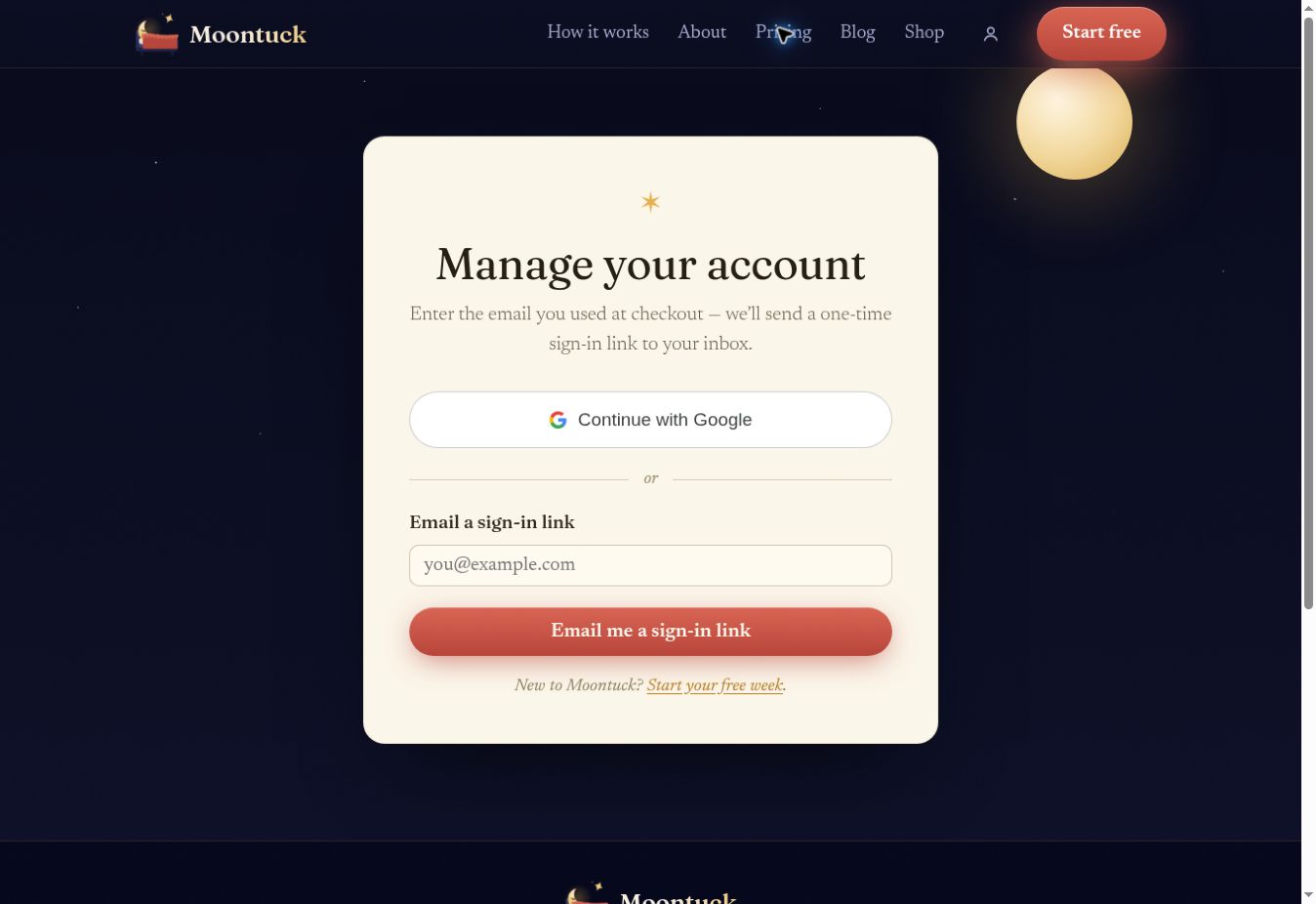
Open Account. Use the email from checkout or gift activation and request a one-time sign-in link, or continue with Google using that same email. Email links last thirty minutes and can be used once. If one expires or has already been used, request a new one.
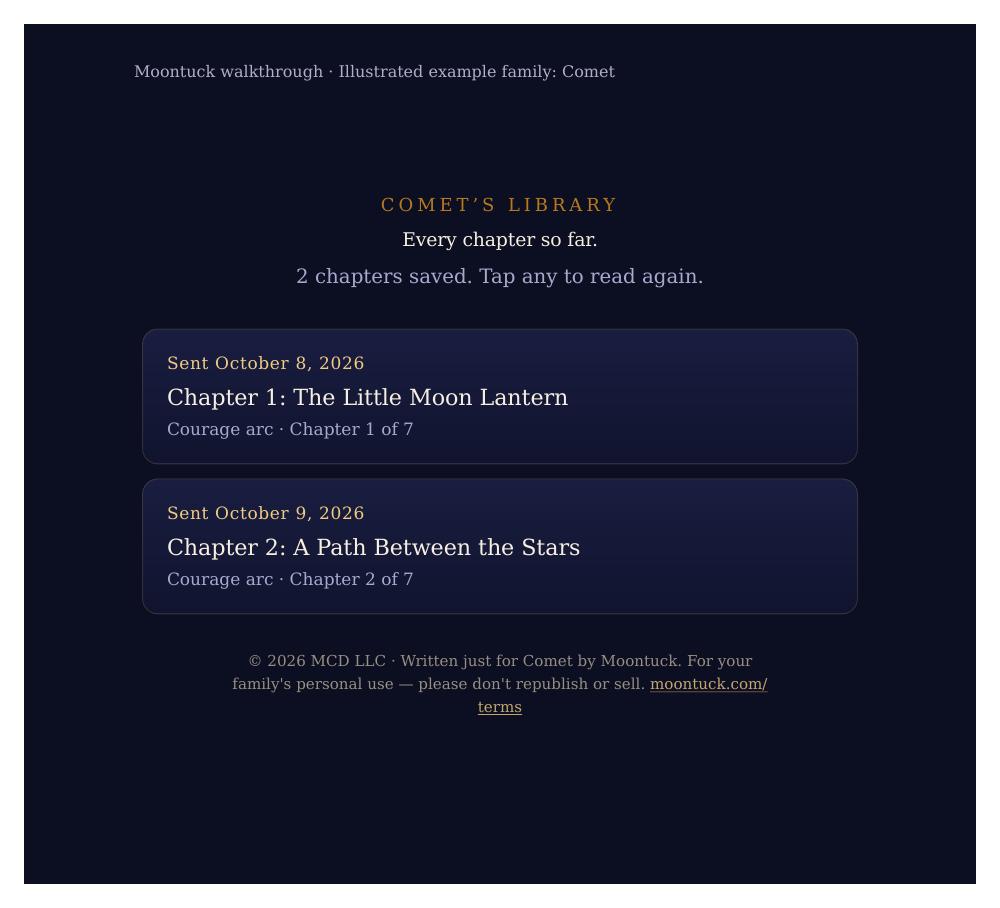
Then open Library. Delivered chapters are saved there. Select a child if you have more than one, then choose a chapter to read again. A new library may be empty while Chapter One is being prepared.
6. New: choose a story focus once
- Courage to try new things
- Help with friendships
- Handling big feelings
- Just a good adventure
Each child can have a different focus. It stays saved and gently shapes upcoming adventures; it is not a promise of a particular outcome for your child.
Open Account, choose an option, and select “Save story focus.” A weekly chapter email may offer a shortcut. Opening that link selects an option for review—it does not save a change.
The next few nights may already be prepared, so a new choice can take a little time to appear. Delivered chapters stay as they are.
7. Change preferences, add a nudge, or take a break
Each child has separate settings in Account. Change a name, age range, or favorite world, then select “Save changes.”
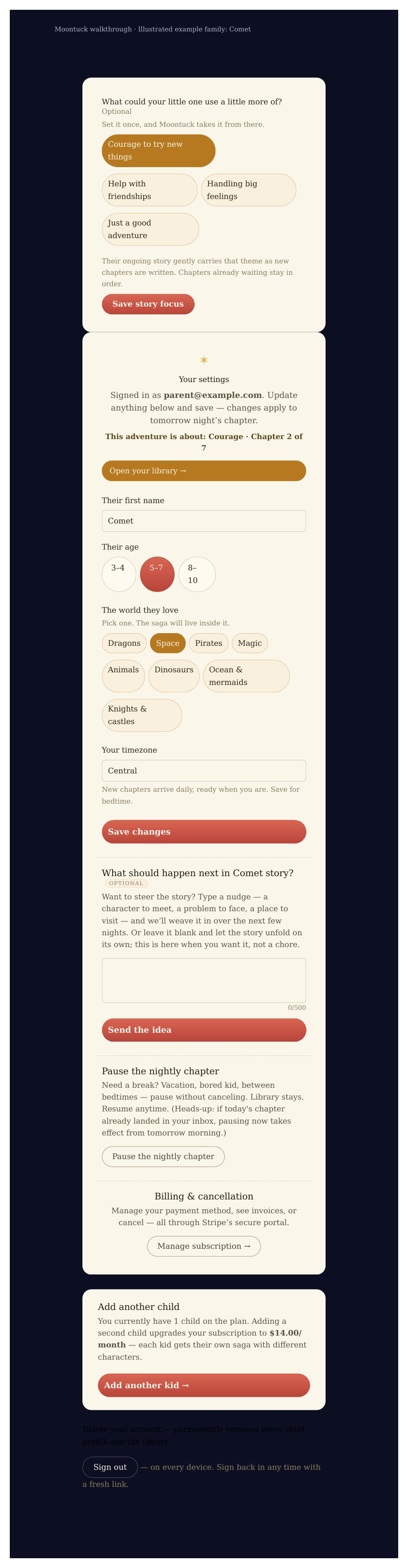
An optional nudge can suggest a character to meet or a small problem to explore. It affects chapters that have not been written yet; it does not rewrite the next few prepared nights. Leaving it blank is fine.
Use “Pause the nightly chapter” for a break, and resume from the same place. Pausing delivery keeps Library available. It does not cancel subscription billing or extend a prepaid gift.
Subscriptions can add another child after reviewing the updated tier, up to four total. Gifts include the child count chosen by the buyer.
8. Know when billing starts and how to stop
A subscription trial reminder arrives two days before the first charge. The plan continues automatically unless you cancel.
Open Account, then “Manage subscription.” Stripe’s portal lets you manage payment details, see invoices, or cancel. To avoid the first charge, cancel before the trial ends. See Help and Terms for cancellation and library-access details.
Pausing chapters and canceling billing are separate actions. Use the subscription controls if you want charges to stop.
9. New: give a prepaid bedtime adventure
Choose three, six, or twelve months for a new Moontuck family. Pay once, save the gift link on the confirmation page, and share it with the parent. You do not need to choose the children’s story details.
The parent opens the link and completes setup. Gifted months begin at activation, with no card needed from the parent. Gifts do not renew automatically. Pausing delivery does not move the gift’s end date.